After watching Vova using my weDocs plugin for his plugin documentation, it was really intimidating. I loved the post, he explained his process with a case study and implemented a few new things that I liked. So I decided to bring a few features into the plugin.
Schema.org implementation
A few rich snippets have been added to the plugin. Breadcrumb, article heading and body, author, post date and modified date snippets have been added, which will be helpful for search engines.
Icon font added
Using icomoon, only a few selected icons have been added to the plugin to power up the use of icons in various areas, like home icon, print icon, email icon and so on. Only a few glyphs have been used, so it’s tiny as well.
Article printing
Printing a documentation might be a good feature to have, download something important and refer it at a later point. This feature opens a new window containing only the title and post content of the documentation, so it looks clean and printable. Right now it’s a bit buggy, but will be fixed.
Email feedback form
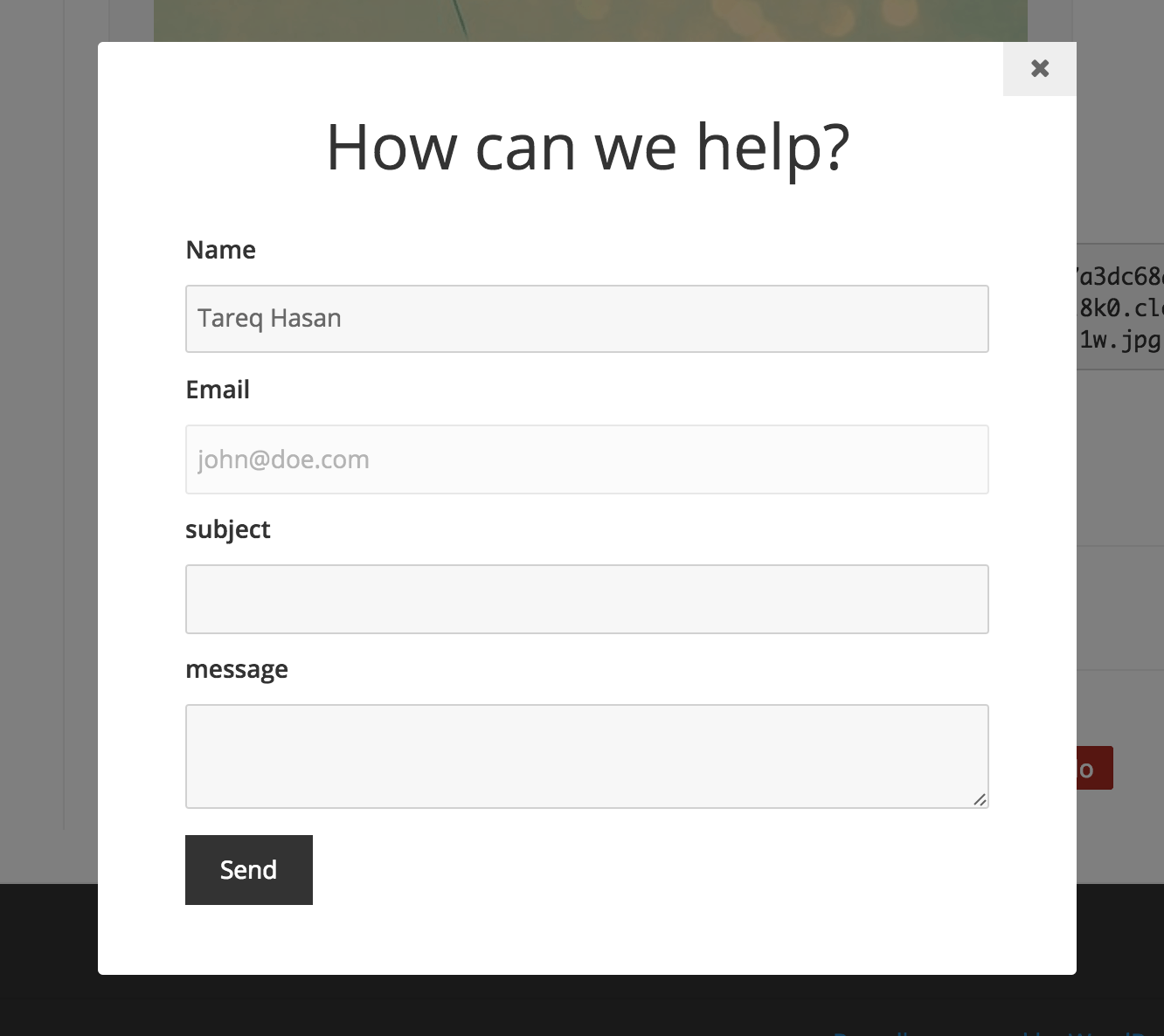
Taking the inspiration from helpscout docs, a feedback form has been added at the bottom of each documentation. The send to email address can be configured from the new settings area, also the feature can be turned off.

Responsive
The plugin is more responsive to mobile and tablet devices. Still not perfect, but it plays nicer than before.
Settings Page
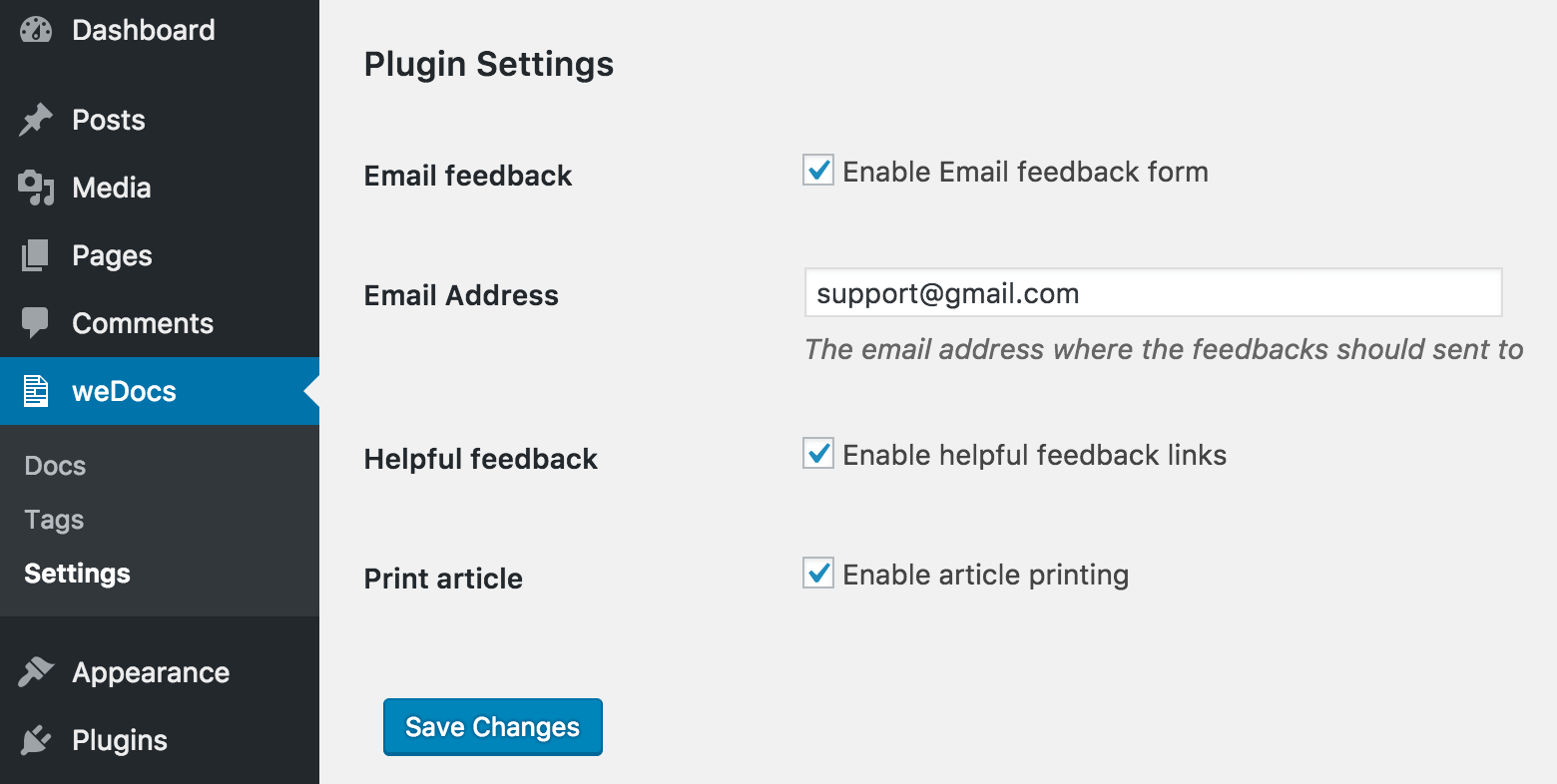
A new settings page has been added for turning on/off features.
Helpfulness Info
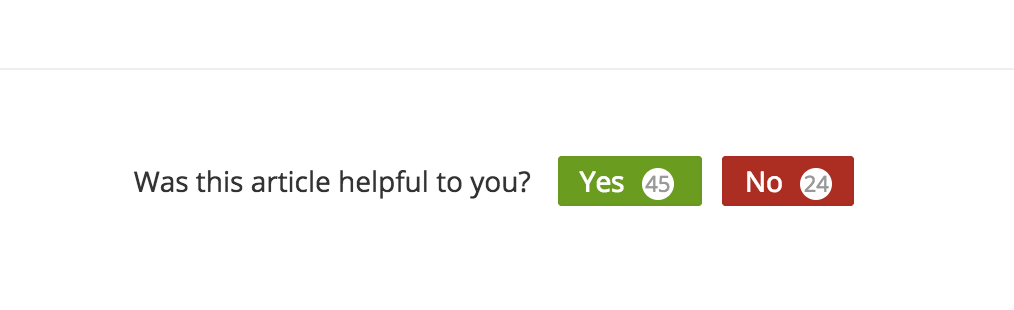
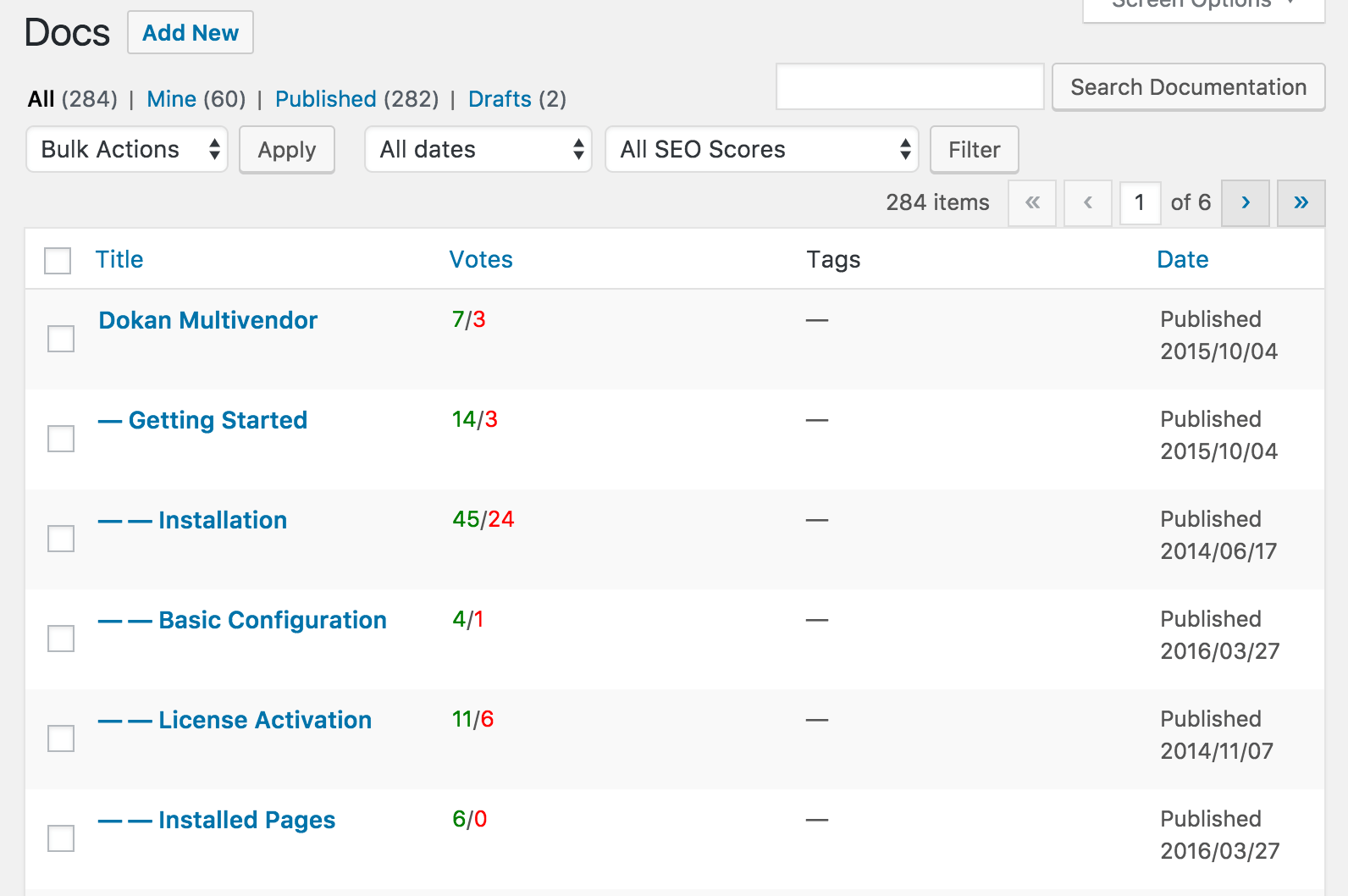
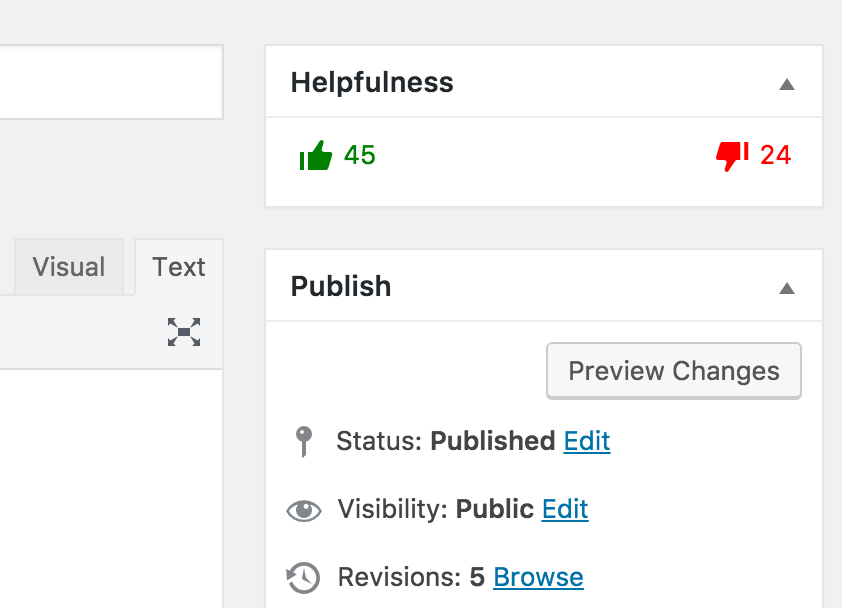
The helpfulness feedback details now show on every documentation edit page sidebar. Also, you can sort the articles by their helpfulness score in the classic UI, so you can see what’s working or not. Right now it sorts by the positive number only.
Callout styles
A few callout styles have been added. Though it’s a theming feature, but comes in handy. Usage:
<div class="wedocs-callout callout-yellow">
  <h3>This is a yellow callout</h3>
  <p>Just add class="callout-yellow". It's really that easy.</p>
</div>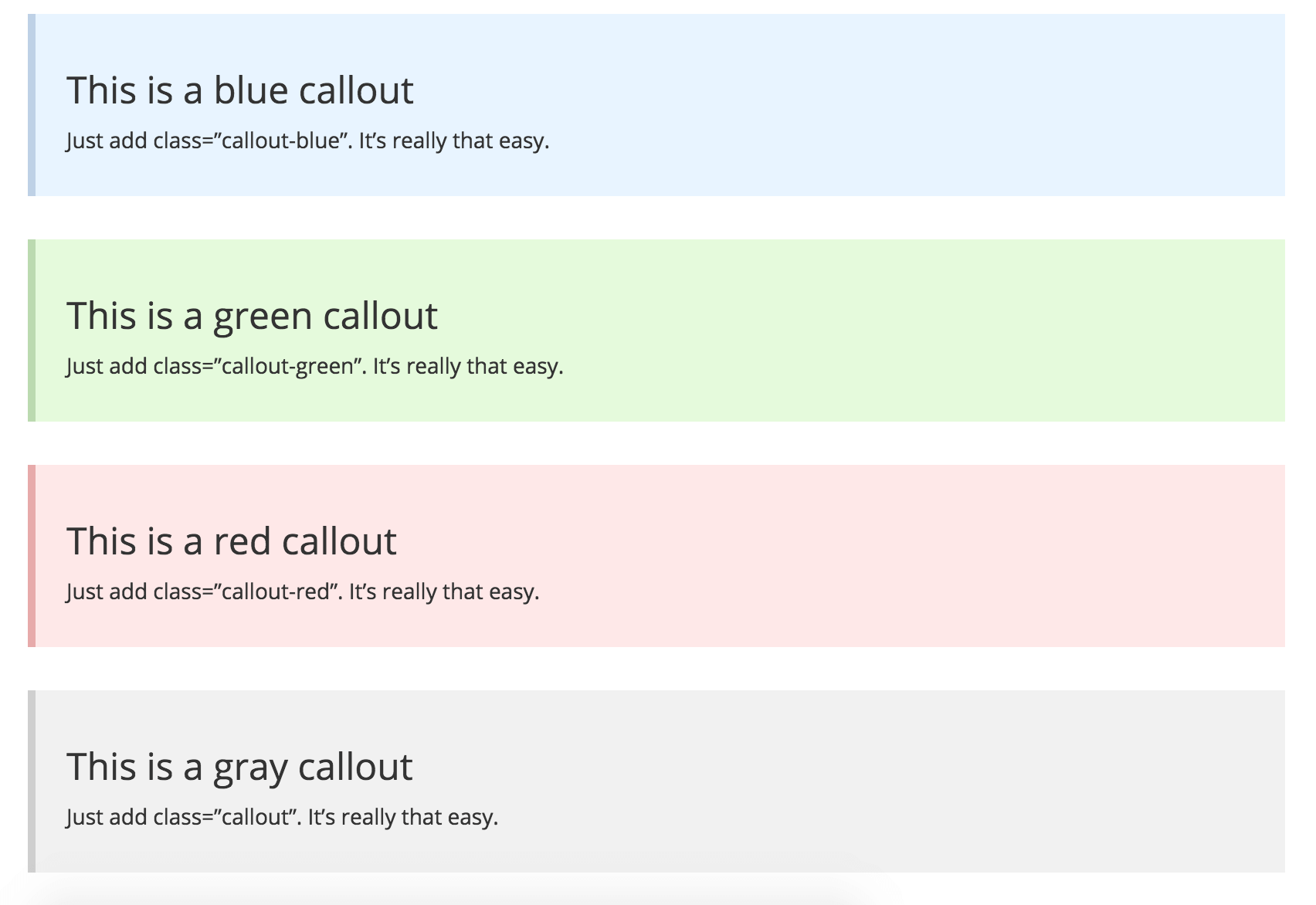
I hope these changes will be effective on the documentation experience for the users. If you haven’t yet, download the plugin from WordPress.org. Cheers!
9 thoughts on “What's new in weDocs v1.2.1”
It would be more awesome if we can add a hidden field which will include the location from where the user is contacting. It will make things more easy to understand.
You mean, from which doc? The email contains the link to that doc details and edit page as well.
A document should be able to be applied to multiple categories... Not just one.
i agree.
hi,
thank for your great plugin. can help us about this issue. thank you.
https://github.com/tareq1988/wedocs-plugin/issues/23
I can't seem to figure out how to show the new home page with the 's for the topics. I'm using the new plugin installed from WP with the weDocs theme, but all I'm getting is the old weDocs theme homepage, not the new one like https://docs.wedevs.com/.
Any suggestion how I can get this working?
Great product by the way, would be happy to buy if I can get it working!
We've been using weDoc on one of our sites and couldn't be more happy with it. Thanks Tareq for maintaining weDoc.
Hi Tareq Hasan,
Thanks for your great WeDocs plugins! It's so helpful and we use it alot. I have a question: Does the plugin support 3 or 4 menu levels?
Best regards
Recommended this to my current employer, gonna use it for our Wiki :)